
For DIY solar builders
You built the solar system. Now see what the weather may let it produce.
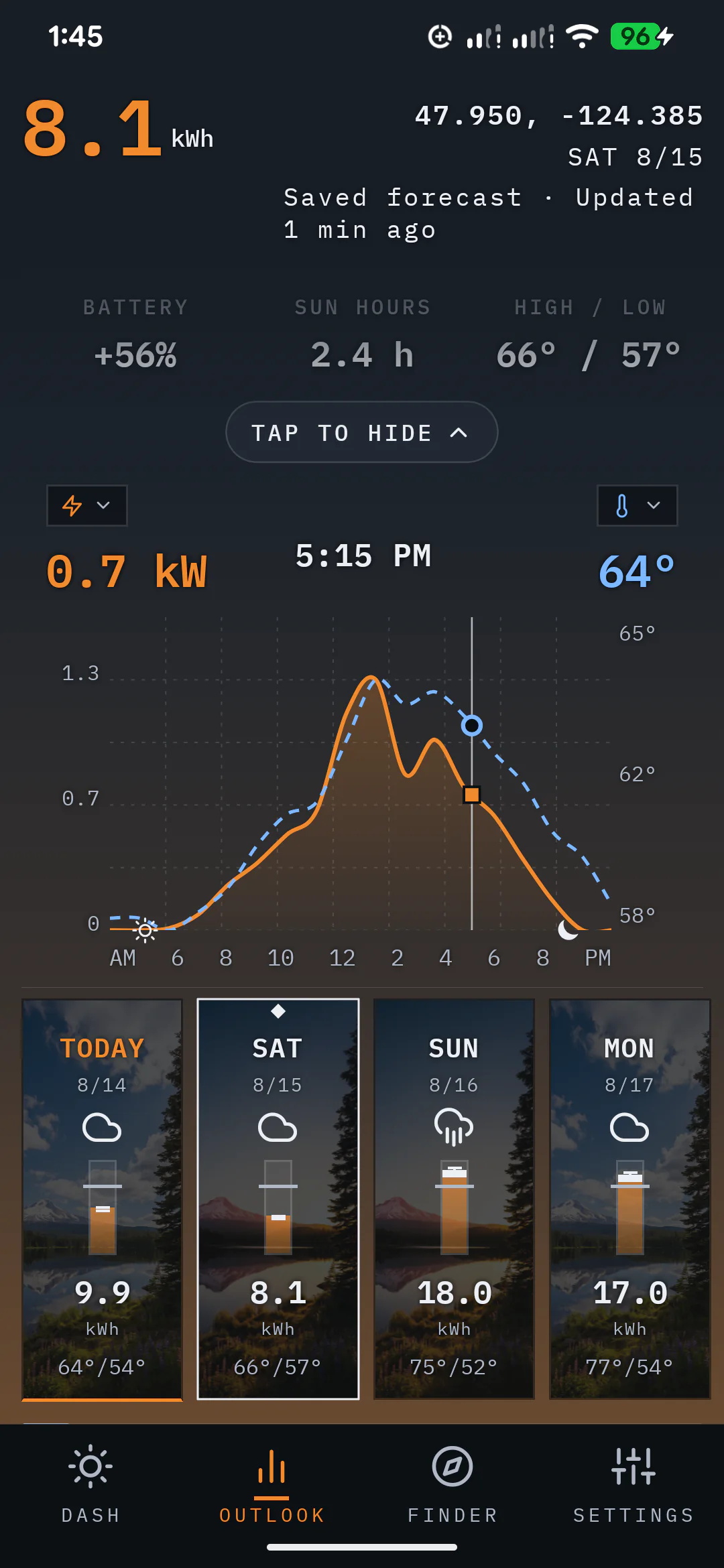
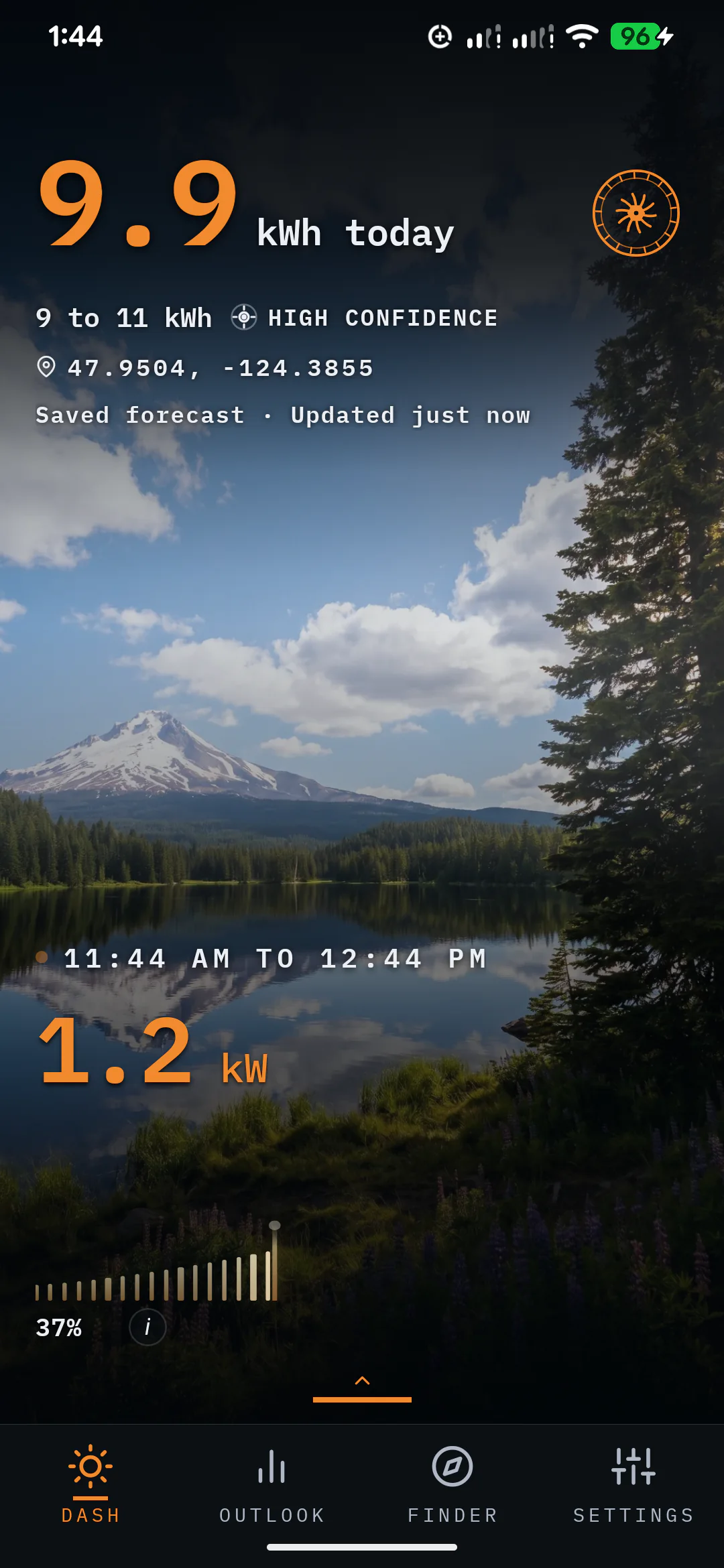
SunPlanner turns the panel wattage, tilt, direction, and location you enter into a daily solar forecast. See today's estimate and the 16-day Outlook, then log actual production so the forecast can start learning how your system performs.
16forecast days for the system and location you enter
From build sheet to forecast
The build is yours. The weather keeps changing.
01The same array can have a strong day or a weak one as clouds, daylight, and location change.
02The 16-day Outlook helps you see where flexible loads may fit before the day arrives.
03Production readings give SunPlanner real results from the system you built.
Before the build
Start with the loads the system needs to carry.
Add the power you expect to use and choose the peak sun hours for the location. The free sizing calculator gives you a planning estimate for array watts and battery capacity before you buy hardware.
Use the solar-sizing calculator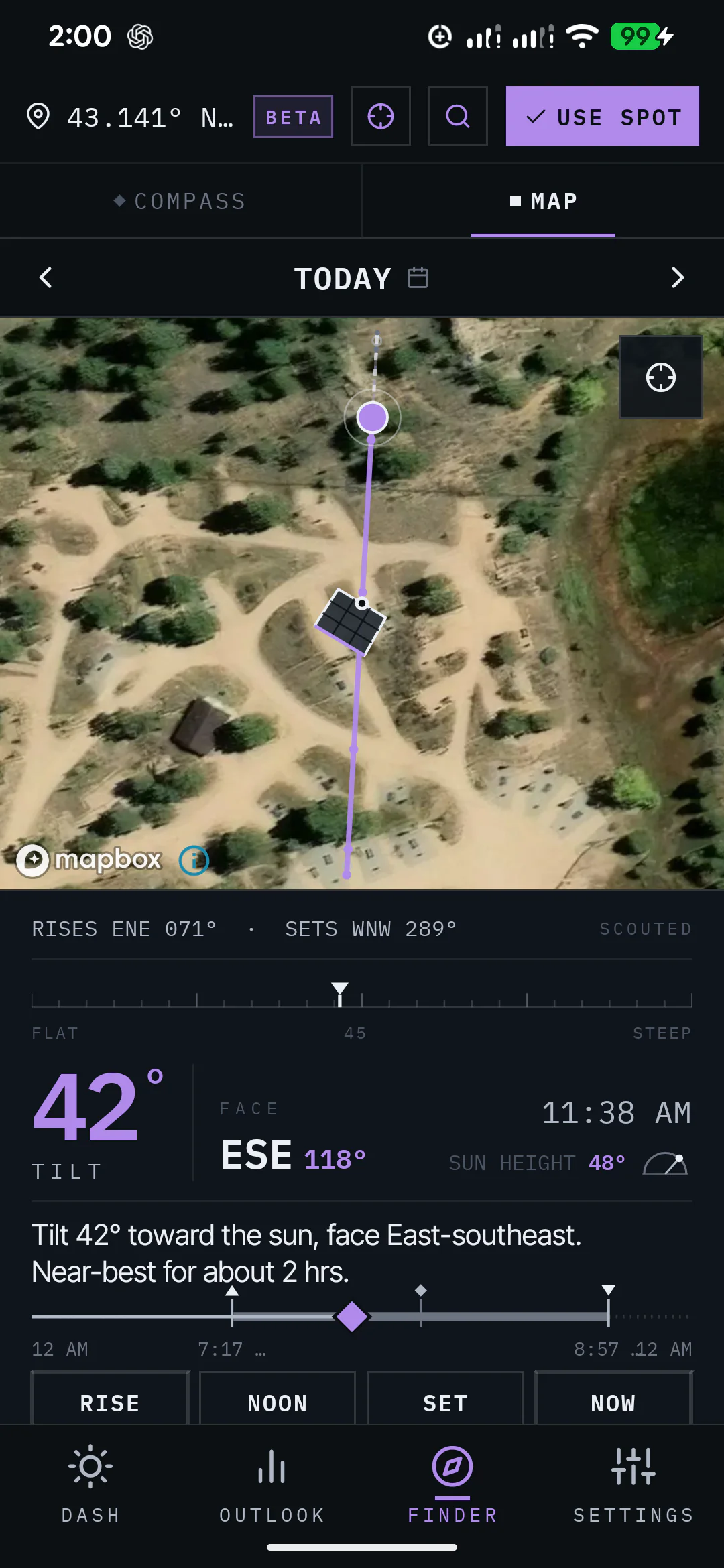
Inside SunPlanner
Enter the array as you installed it.
Add each panel's wattage, then set the array's tilt and direction. SunPlanner combines that setup and the selected location with weather forecasts and solar-resource data.
Across the next 16 days
See stronger and weaker solar days before they arrive.
Compare the daily estimates, expected ranges, and confidence across the Outlook. That gives you a practical view of when flexible loads may have more room and when the system may need a lighter plan.
See how the forecast works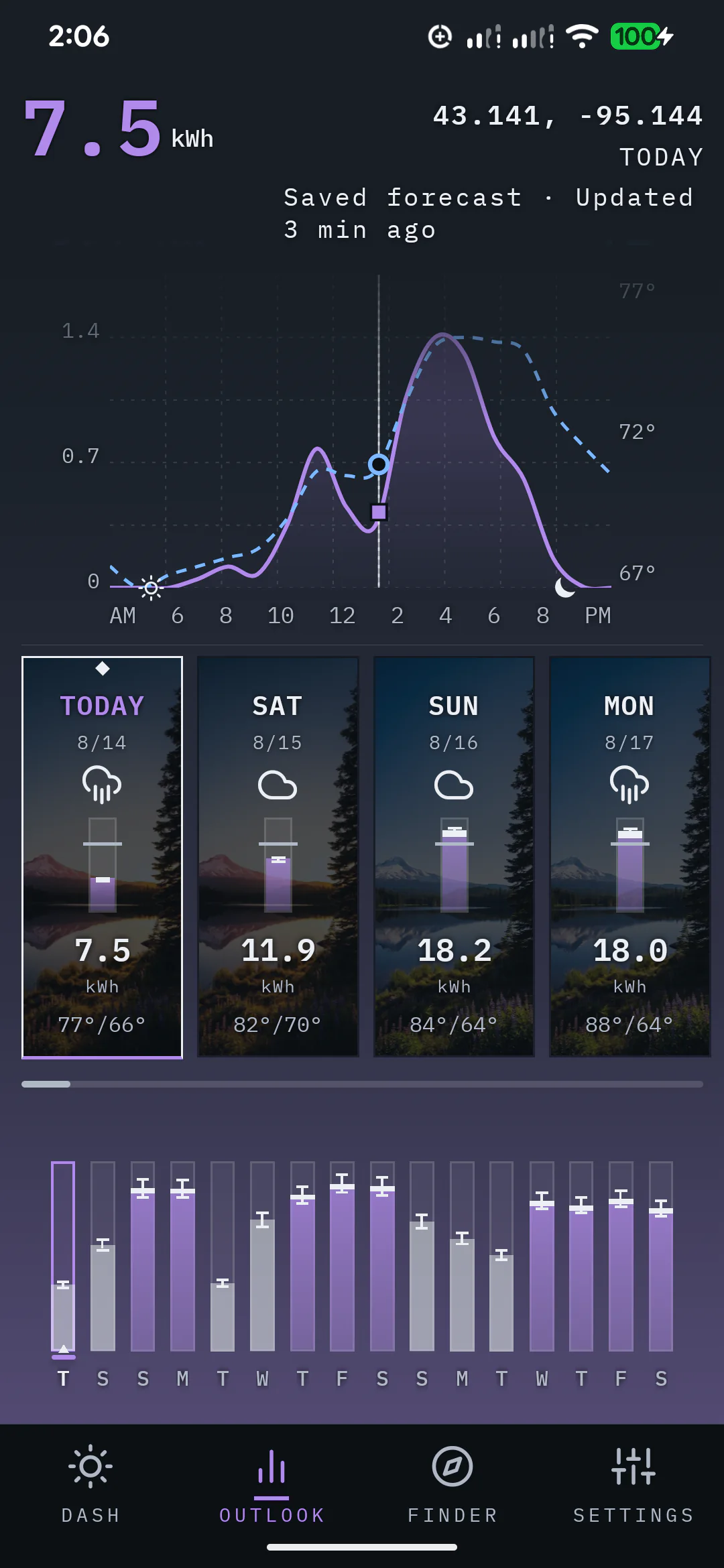
As the system runs
Bring real production back into the forecast.
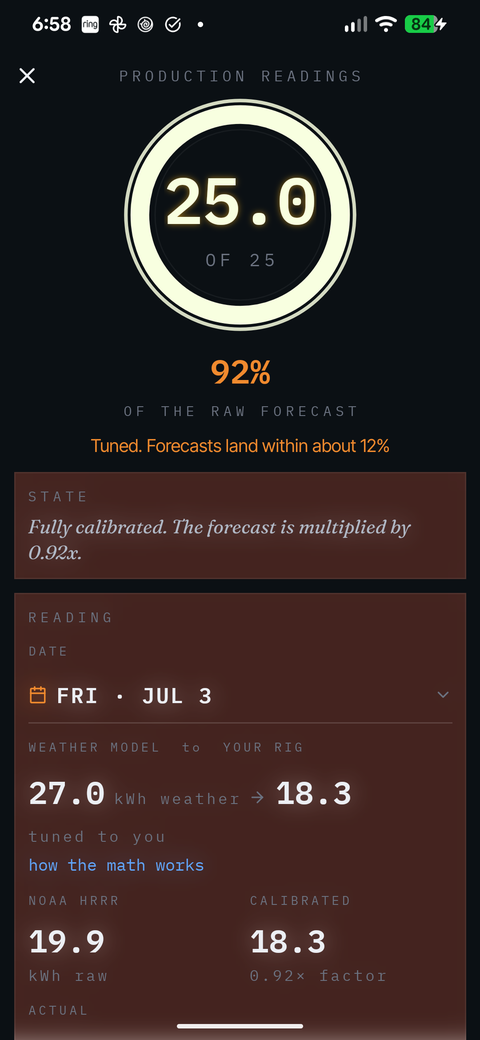
Log the final kWh the system produced. After three usable readings, SunPlanner starts applying what it has learned to future forecasts. The calibration profile keeps building toward 25 usable readings.
Keep learning from the system
Put the solar system you built into the forecast.
Size the system, enter the array and location, compare the days ahead, and log production as the system runs.